iDRAC VPN access
The integrated out-of-band management platform on Dell servers is called iDRAC. By default, access to the iDRAC interface of your servers is protected behind a VPN to prevent unauthorized access to out-of-band management.
This section contains step-by-step guides for connecting to iDRAC using a secure L2TP over IPsec VPN connection, covering all major operating systems and distributions, including macOS, Windows, and multiple versions of Ubuntu and Fedora Linux. Each guide walks you through finding your VPN credentials in the Customer Portal, installing the required packages, configuring the VPN connection, and adding the necessary routes to reach the iDRAC network.
Temporary public access
Alternatively, if necessary, you can enable temporary public access to the iDRAC interface, allowing access without a VPN. This can be activated in the Customer Portal on the server details page under the OOB section by selecting Enable public access for 4 hours. Once activated, public access remains enabled for the next four hours, but can be manually disabled at any time.
For security reasons, VPN access remains the preferred method and should be used whenever possible.
Finding VPN credentials
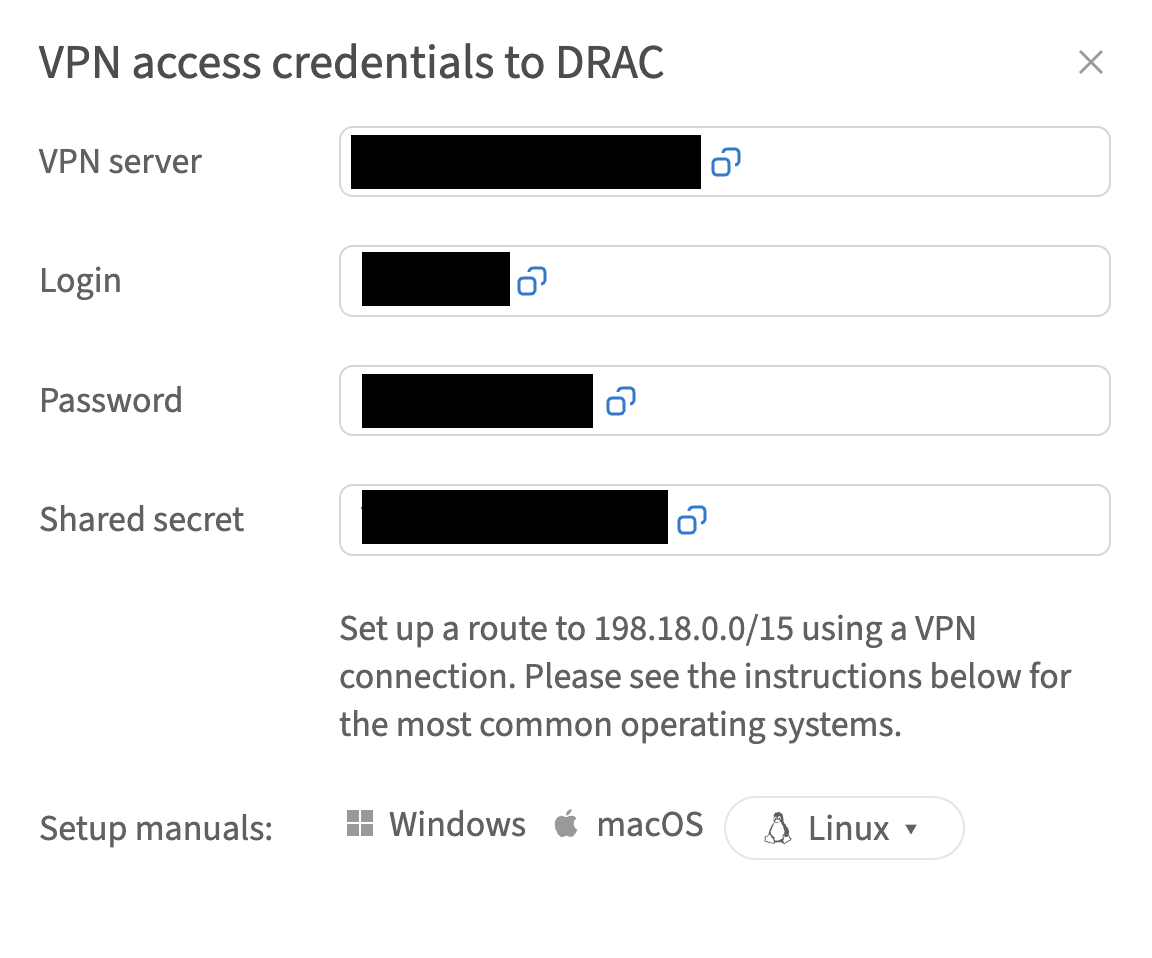
Credentials and instructions for setting up a VPN connection to the OOB network are available in the Customer Portal. To access them:
- Navigate to Networks → VPN access → VPN to DRAC section
- Select the location and click Credentials
- In the opened window, you will find the credentials