Nexcess.com Servers.com LiquidWeb.com
Back

Customer Portal, API, CLI and Terraform

The same automation for every product, from the portal to Terraform

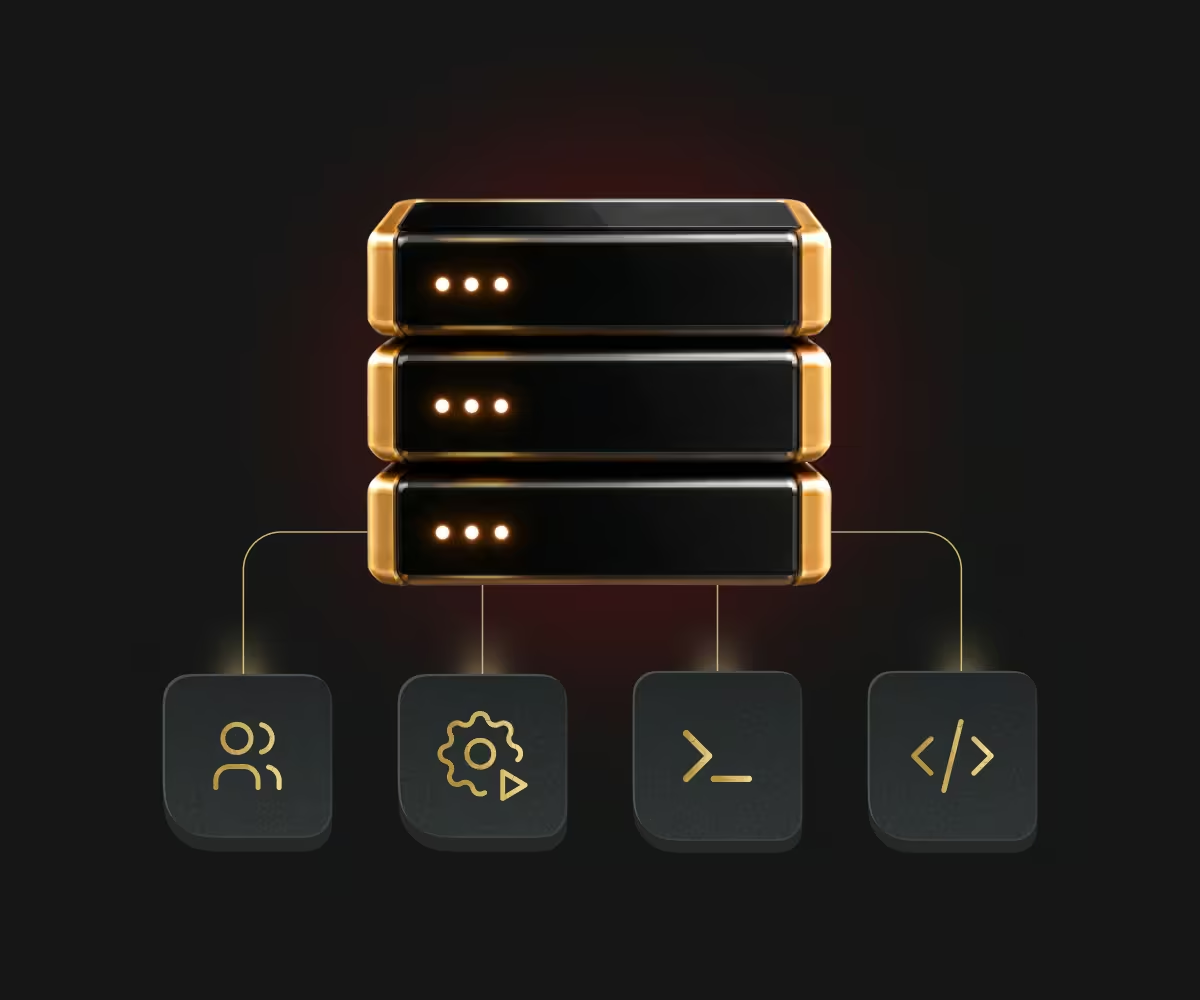
The Customer Portal, public application programming interface (API), srvctl command-line tool, and Terraform provider cover ordering, configuration, and cancellation across our products. The automation your team already uses keeps working when the baseline moves onto dedicated hardware.

Customer Portal, API, CLI and Terraform

Which tool to use for which job

Which tool to use for which job depends on how repeatable the work is.

  • Customer Portal

    Customer Portal

    Ordering, one-off changes, billing, access control, and access control.

  • Public API

    Public API

    Integrating infrastructure into your own systems and pipelines.

  • Command-line tool (CLI)

    Command-line tool (CLI)

    Provision and manage your resources from your terminal.

  • Terraform provider

    Terraform provider

    Define your infrastructure as code, manage your resources, scale your server fleet, and provision servers in bulk.

Recent additions to the automation tools

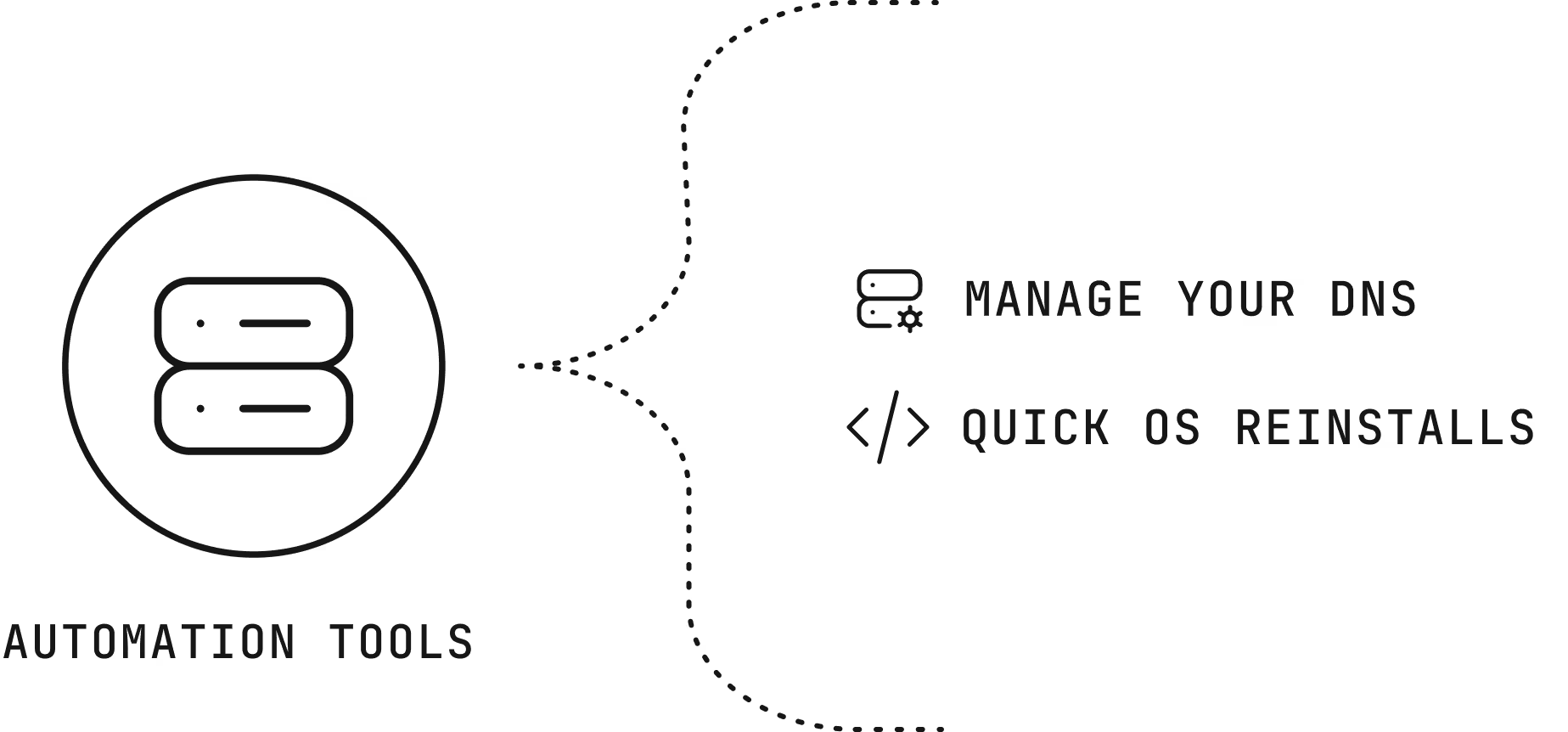
DNS in Public API and command-line tools

Manage your domain name system (DNS) domains and records through the public API and the srvctl command-line tool, as well as the portal.

Quick operating system reinstalls with Terraform

Reinstall the operating system on a dedicated server quickly through Terraform.

Recent additions to the automation tools

Benefits of the automation tools

Consistency icon

Consistency

The same hardware profiles in multiple regions, defined in code.

Speed icon

Speed

Quick provisioning, and a hybrid setup of bare metal and cloud infrastructure managed with one set of tools.

Continuity icon

Continuity

Grow your existing services step by step, with new generations of hardware available when you need them.

How the automation tools are billed

This service is free of charge.

Getting started with the automation tools

  1. Create an API token

    Generate credentials in the Customer Portal with the permissions your automation needs.

  2. Install the tools

    Install srvctl from GitHub or add the Terraform provider to your configuration.

  3. Automate a first task

    Start with a repeatable job, such as building your infrastructure.

Why companies choose Servers.com by Nexcess

The infrastructure, the network, and the people come from one provider that designs around the workload.

Single-tenant by design

Every server we rent belongs to one customer, and no proprietary service sits between your software and the hardware, so moving away never means rewriting your platform.

31 data centers

Locations across North America, South America, Europe, and Asia Pacific, joined by a private network with free transfer between sites.

Cloud-style operations

The Customer Portal, a public application programming interface (API), a command-line tool, and Terraform work across the catalog, with the same hardware profiles in every region.

The same people after you sign

The engineers and account managers who help design your environment are the ones who help you migrate it and run it.

  • gameye logo svg
  • accelbyte
  • gonet logo svg

Support from engineers, backed by a team that knows your environment

Support from engineers, backed by a team that knows your environment, is part of every product we sell, and it doesn’t depend on how much you spend with us.

FAQs

Do the tools cost extra?

No. The portal, API, command-line tool, and Terraform provider come with every account.

Which products can I automate?

Bare metal, Cloud Servers, Managed Kubernetes, storage, networking, domain name system (DNS), and account settings are all available through the API.

Bring your infrastructure code with you banner Bring your infrastructure code with you Mobile banner

Bring your infrastructure code with you

Read the API reference, or ask an engineer how your current Terraform setup maps to our provider.