Nexcess.com Servers.com LiquidWeb.com
Back

VPN to GPN

Encrypted access to your private network from anywhere

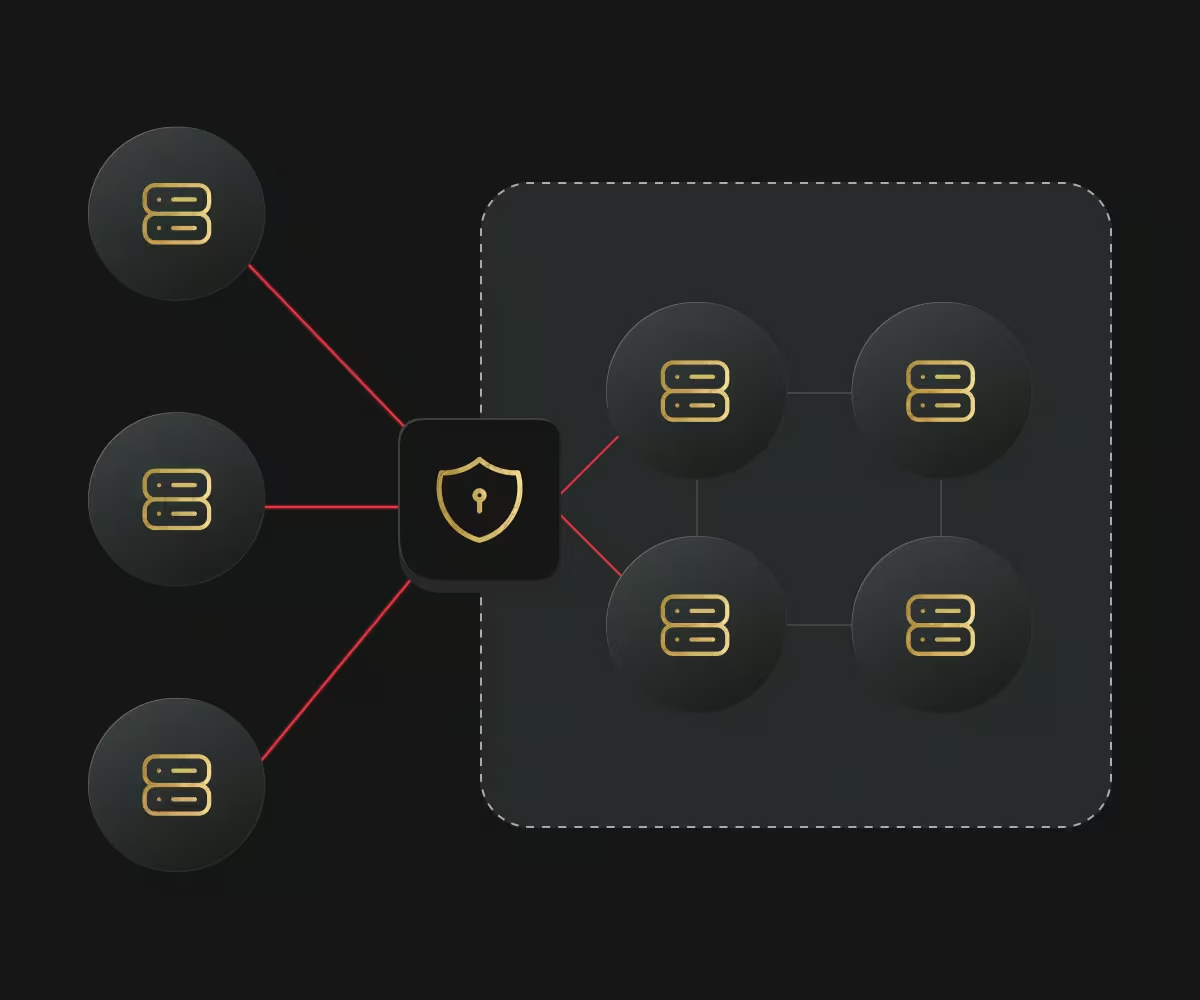
VPN to GPN gives your administrators an encrypted virtual private network (VPN) connection into the Global Private Network (GPN) from anywhere in the world, without building and maintaining a VPN server of their own.

VPN to GPN

Who VPN to GPN is for

  • Remote engineering teams

    Remote engineering teams

    Reach private addresses from home or on the road.

  • Teams without a VPN server

    Teams without a VPN server

    Skip building and patching a VPN server of your own.

  • Security-conscious operators

    Security-conscious operators

    Keep management traffic off the public internet.

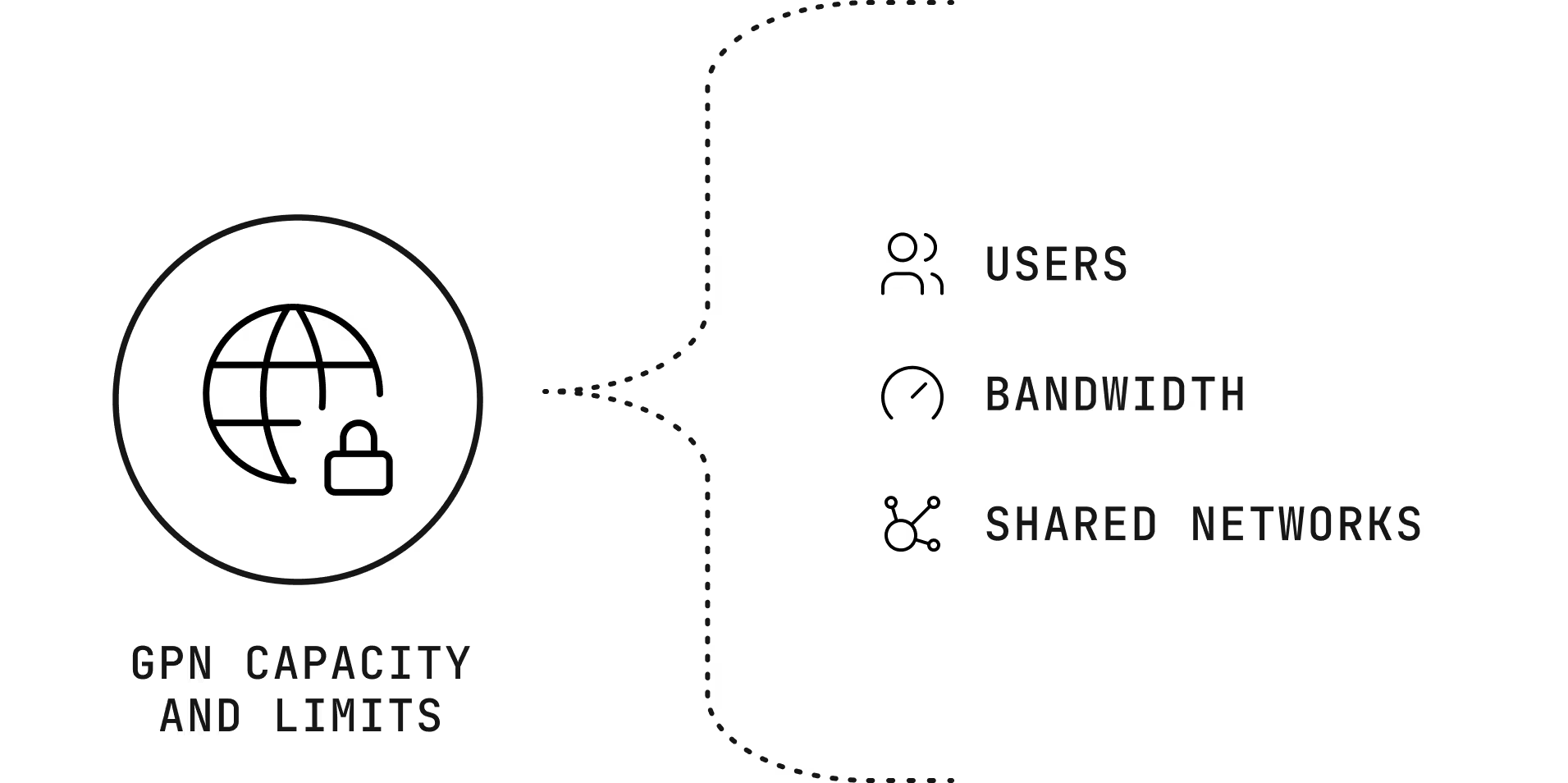
VPN to GPN capacity and limits

Users

Up to 13 VPN accounts per gateway, each with one active connection.

Bandwidth

Up to 100 megabits per second (Mbps) for each connection.

Shared networks

One active connection per internet provider from behind the same shared address.

VPN to GPN capacity and limits

Benefits of VPN to GPN

Auditability icon

Auditability

Track who is connected to the network and when, aiding in security monitoring and compliance.

Central access control icon

Central access control

Manage user authentication, revoke access for lost devices and enforce multi-factor authentication in one place.

Reach private internal servers icon

Reach private internal servers

You can access private APIs, internal dashboards, staging environments or inference endpoints using internal IP addresses as if you were on a local network.

Safe access globally icon

Safe access globally

Encrypted remote access to your servers from anywhere in the globe.

How VPN to GPN is billed

Monthly fee icon

Monthly fee

A fixed fee per gateway instance.

Traffic icon

Traffic

2,048 gigabytes (GB) included each month, with a charge above that.

Cancellation icon

Cancellation

Cancel any time, and pay up to the deletion date.

Getting started with VPN to GPN

  1. Create a gateway

    Order a VPN to GPN instance, which runs on a preconfigured cloud server.

  2. Add users

    Create VPN accounts for each administrator.

  3. Connect

    Each user connects with a VPN client and reaches private addresses directly.

Why companies choose Servers.com by Nexcess

The infrastructure, the network, and the people come from one provider that designs around the workload.

Single-tenant by design

Every server we rent belongs to one customer, and no proprietary service sits between your software and the hardware, so moving away never means rewriting your platform.

31 data centers

Locations across North America, South America, Europe, and Asia Pacific, joined by a private network with free transfer between sites.

Cloud-style operations

The Customer Portal, a public application programming interface (API), a command-line tool, and Terraform work across the catalog, with the same hardware profiles in every region.

The same people after you sign

The engineers and account managers who help design your environment are the ones who help you migrate it and run it.

  • gonet logo svg
  • kintify

Support from engineers, backed by a team that knows your environment

Support from engineers, backed by a team that knows your environment, is part of every product we sell, and it doesn’t depend on how much you spend with us.

FAQs

How is this different from VPN to OOB?

VPN to GPN reaches your servers on the private network. VPN to out-of-band (OOB) reaches each server’s management controller for hardware-level access.

Do I need a dedicated physical Link instead?

For steady traffic between sites, Direct Connect is the better fit. VPN to GPN suits people connecting from wherever they are.

How many users can I have per gateway?

You can assign 13 VPN accounts (users) per gateway. A user can only have one active connection.

Which VPN clients can I use?

VPN clients are available for macOS, Ubuntu, and Windows. See our documentation on tunnel options for VPN to GPN connections.

Give your team private access without a gateway to run banner Give your team private access without a gateway to run Mobile banner

Give your team private access without a gateway to run

Set up a gateway in the portal, or ask an engineer which access option fits your team.