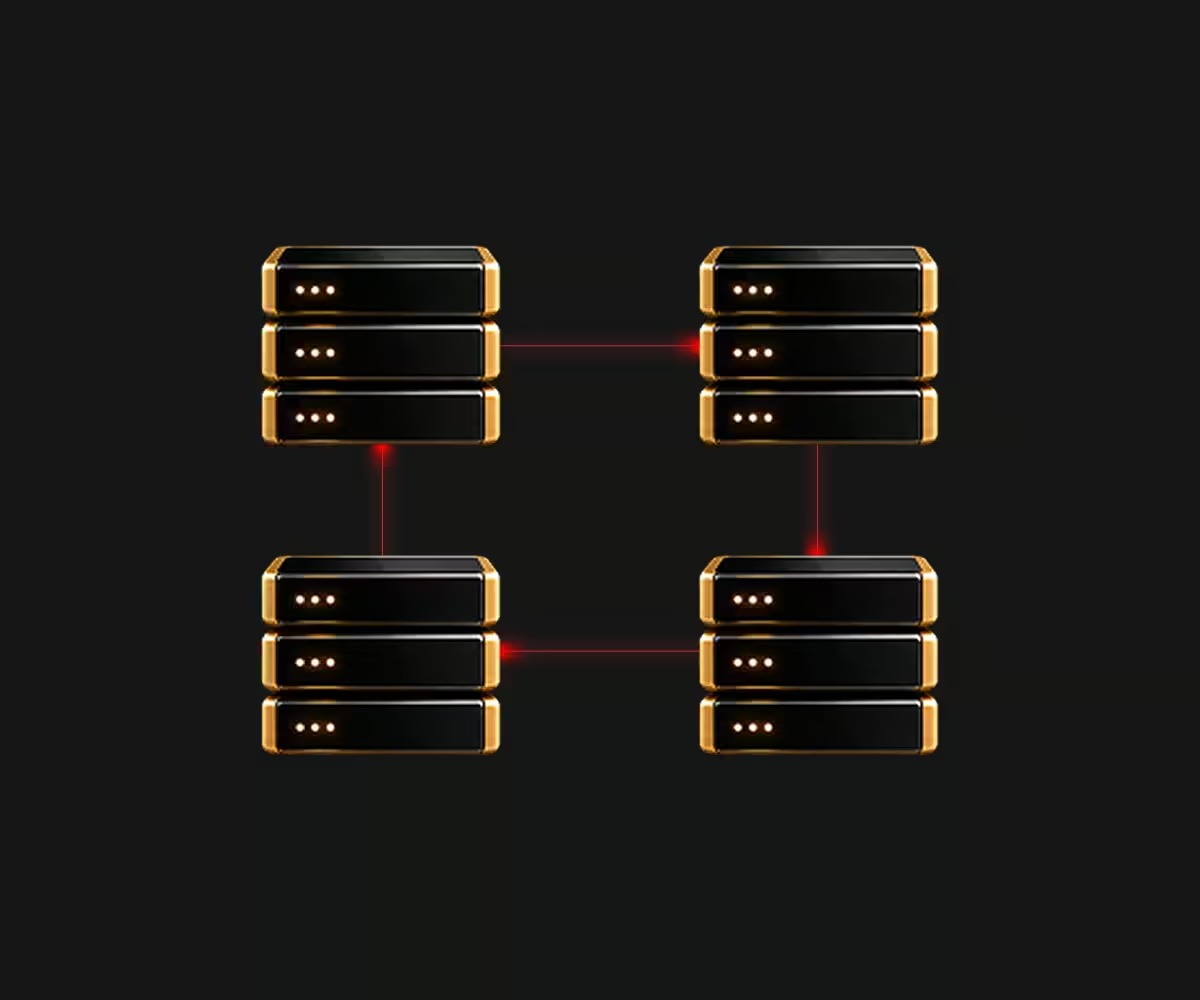
L2 Segments let servers share the same Layer 2 network, extending our default routed infrastructure for workloads that require Layer 2 connectivity.
Services that fail over between servers and need an address that moves with them.
Virtual machines that move between physical servers and keep their addresses.
Systems that expect their own address ranges, address servers, and network boot.
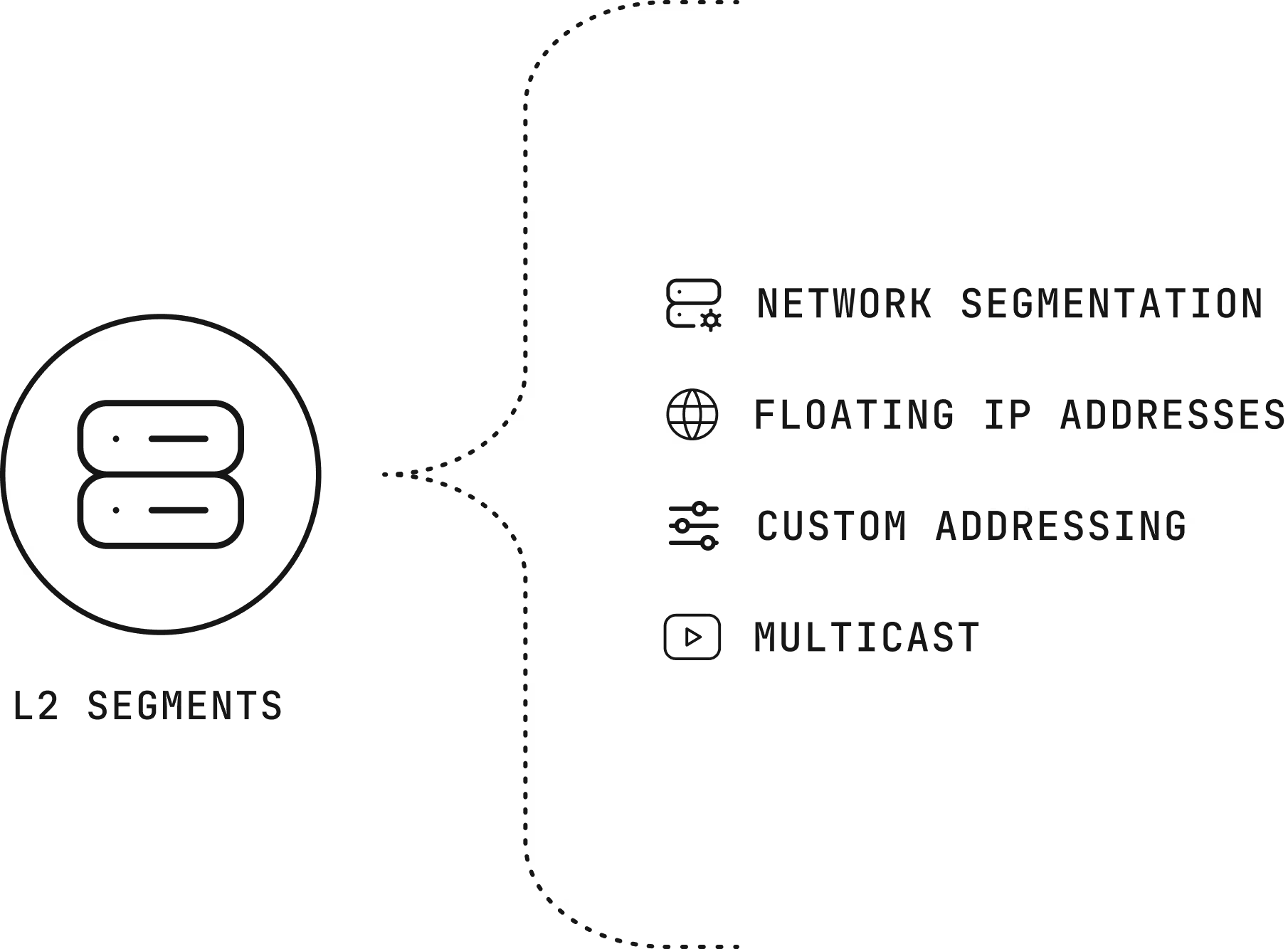
What you can build with L2 Segments falls into four common patterns.
Put servers with different roles in different segments, so a public website stays isolated from a customer database.
Move an IP address from a failed server to a healthy one instantly, which keeps a service reachable during failover or an upgrade.
Use almost any address range and run your own address and network boot servers.
One-to-many traffic for audio, video, market quote broadcasting, and multiplayer game servers.
Define subnets, address ranges, and floating addresses yourself.
Segments run on our routed fabric, which keeps its reliability and redundancy.
Add or remove servers from a segment in the portal, with no hardware changes.
On the public network, a segment covers servers in one location. On the private network, it covers servers in one location group. A segment can’t extend beyond that.
A server can belong to several segments, and you add or remove it independently.
Servers behind the Firewall connect to public segments through tagged trunks.
The L2 Segment is billed based on previous month usage. Using the service does not impact traffic pricing.
Billing depends on the total number of servers in the segment for the billing period. If the server is connected to multiple segments in trunk mode, they will each get billed for L2 segment.
A charge applies for each additional public IP in the segment. Additional private IP segments are free.
Getting started with L2 Segments takes a few steps in the portal
Choose the location and the network, public or private.
Add the servers that need to share the segment.
Set up your subnets, floating addresses, or trunks on the servers.
The infrastructure, the network, and the people come from one provider that designs around the workload.
Every server we rent belongs to one customer, and no proprietary service sits between your software and the hardware, so moving away never means rewriting your platform.
Data centers across North America, South America, Europe, and Asia Pacific, joined by a private network with free transfer between sites.
The Customer Portal, a public application programming interface (API), a command-line tool, and Terraform work across the catalog, with the same hardware profiles in every region.
The engineers and account managers who help design your environment are the ones who help you migrate it and run it.
Support from engineers, backed by a team that knows your environment, is part of every product we sell, and it doesn’t depend on how much you spend with us.
Engineers answer your messages 24 hours a day and every day of the year, and your account team brings the context of your environment.
Your account managers stay with you for the life of the relationship, from the first call onward.
Architects take part in design, migration, and later changes, so decisions get made with the workload in view.
We work in your Slack, Discord, Teams, Telegram, or WhatsApp instead of asking you to learn a ticket system.
Our network routes traffic at Layer 3, where each server sits in its own isolated segment with its gateway, which is more resilient. L2 Segments add shared segments where you need them.
No. Access control list rules have no effect on an L2 Segment.
They’re available in standard locations and may be unavailable in reduced-redundancy locations.
Our network engineers can help you plan segments, floating addresses, and trunks before you build.