Nexcess.com Servers.com LiquidWeb.com
Back

Direct Connect

A physical link from your equipment into our private network

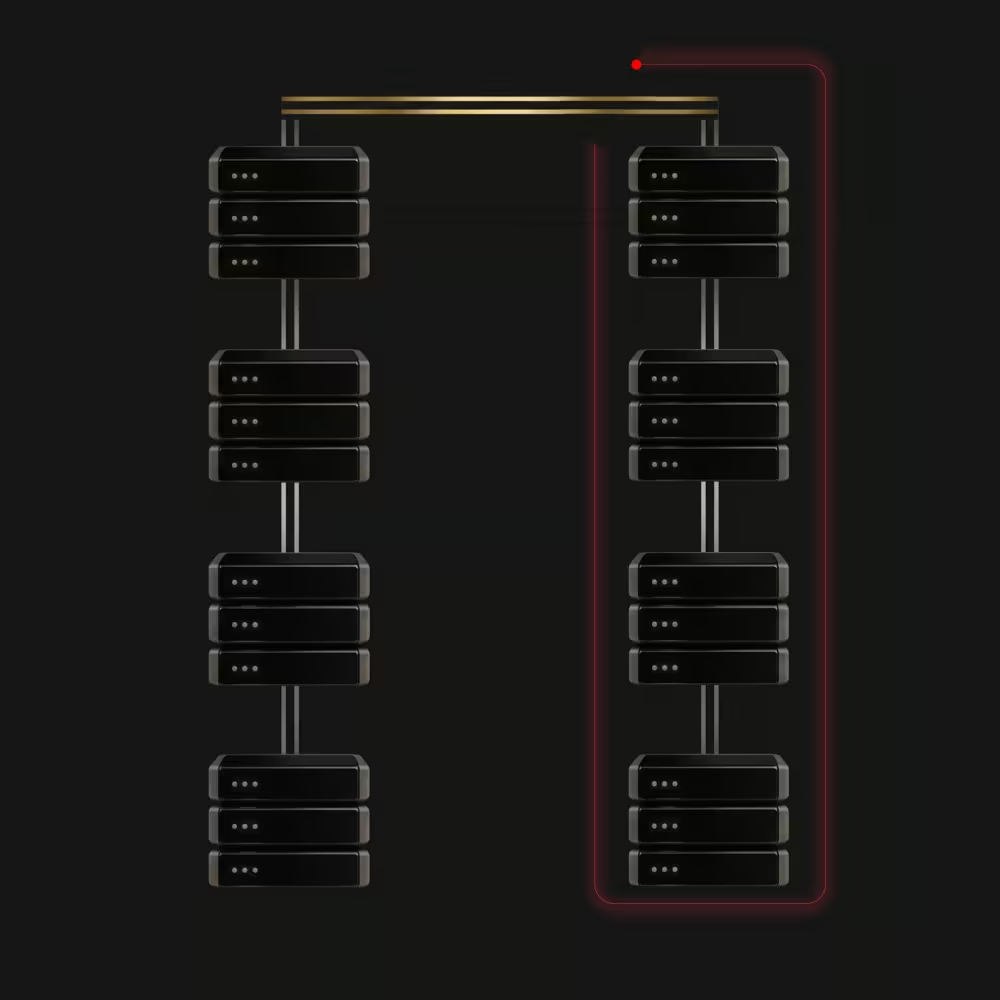
Direct Connect is a physical cable from your own equipment, or from another provider’s switch, straight into the Global Private Network (GPN). Traffic between your equipment and our network never crosses the public internet, which keeps latency and bandwidth predictable for hybrid setups and backup sites.

Private Data Center

Who Direct Connect is for

Direct Connect is for businesses running infrastructure in two places that need to talk privately.

  • Hybrid platforms

    Hybrid platforms

    Link servers at another provider to your Servers.com environment on a private path.

  • Backup and redundancy sites

    Backup and redundancy sites

    Keep a standby environment elsewhere connected without routing through the internet.

  • Your own premises

    Your own premises

    Connect your own facility straight into our private network.

Single and redundant Direct Connect

Single connection

Ports
One
Bandwidth
The port speed
If a port fails
The Link goes down

Redundant connection

Ports
Two, bonded into one link
Bandwidth
Double the port speed
If a port fails
Traffic continues on the other port

The benefits of Direct Connect

Latency icon

Latency

A direct cable removes the public internet from the path.

Reliability icon

Reliability

A redundant pair keeps traffic flowing through a port failure.

Predictable bandwidth icon

Predictable bandwidth

The port speed is yours, with no competing internet traffic.

How Direct Connect is billed

How Direct Connect is billed follows four items, charged by the full month.

Setting up Direct Connect

  1. Choose single or redundant

    Decide how many ports you need and the speed of each.

  2. Arrange the cross-connect

    We connect our equipment to your device or your provider’s switch.

  3. Join a segment

    Add the connection to an L2 Segment so it can reach your servers.

Why companies choose Servers.com by Nexcess

The infrastructure, the network, and the people come from one provider that designs around the workload.

Single-tenant by design

Every server we rent belongs to one customer, and no proprietary service sits between your software and the hardware, so moving away never means rewriting your platform.

31 data centers

Data centers across North America, South America, Europe, and Asia Pacific, joined by a private network with free transfer between sites.

Cloud-style operations

The Customer Portal, a public application programming interface (API), a command-line tool, and Terraform work across the catalog, with the same hardware profiles in every region.

The same people after you sign

The engineers and account managers who help design your environment are the ones who help you migrate it and run it.

  • Exness
  • Soft2Bet

Support from engineers, backed by a team that knows your environment

Support from engineers, backed by a team that knows your environment, is part of every product we sell, and it doesn’t depend on how much you spend with us.

FAQs

How many L2 Segments can one Direct Connect reach?

A native link reaches one segment, and tagged trunks can carry several segments at once.

What is a destination point?

A device that connects your Servers.com equipent to your equipment. For example to a switch from another hosting provider.

Where is Direct Connect available?

Our data center locations table which details the options available in each of our data centers, including which DCs support Direct Connect.

Do I need L2 Segments to use Direct Connect?

Yes. A direct connect needs to be a member of an L2 segment to interact with other Servers.com resources.

When might I use a Direct Connect?

For example, if your main product environment is in Servers.com data center but you also have backup serers at another hosting provider, you may want them to be connected directly to establish faster communication within a private network.


Connect your other environment privately banner Connect your other environment privately Mobile banner

Connect your other environment privately

Tell us where your other equipment sits, and our network engineers will plan the cross-connect.