Nexcess.com Servers.com LiquidWeb.com
Back

VPN to OOB

Reach every server’s management controller over an encrypted connection

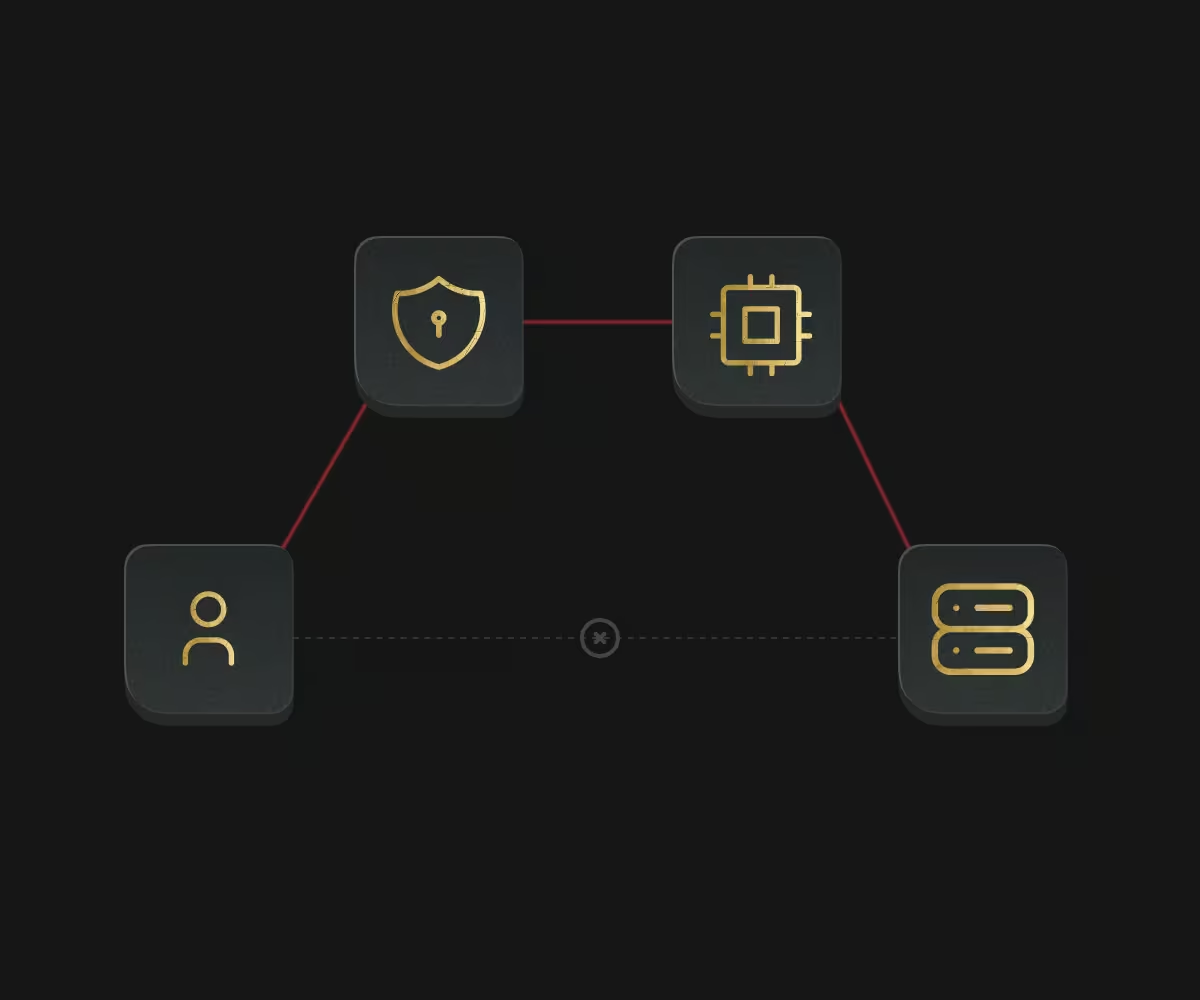
VPN to OOB gives your team an encrypted virtual private network (VPN) route to each server’s out-of-band (OOB) management controller, which works even when the operating system is down or the server is off. It keeps that level of access off the public internet, and it’s free.

VPN to OOB

Who VPN to OOB is for

VPN to OOB is for the engineers who fix servers when nothing else works.

  • Troubleshooting

    Troubleshooting

    Reach the management controller on an unresponsive server and fix it over an encrypted connection.

  • Security teams

    Security teams

    Reset a departing employee’s credentials and know only current staff can reach server management.

  • Hardware-level work

    Hardware-level work

    Power-cycle, check sensors, and reinstall operating systems remotely.

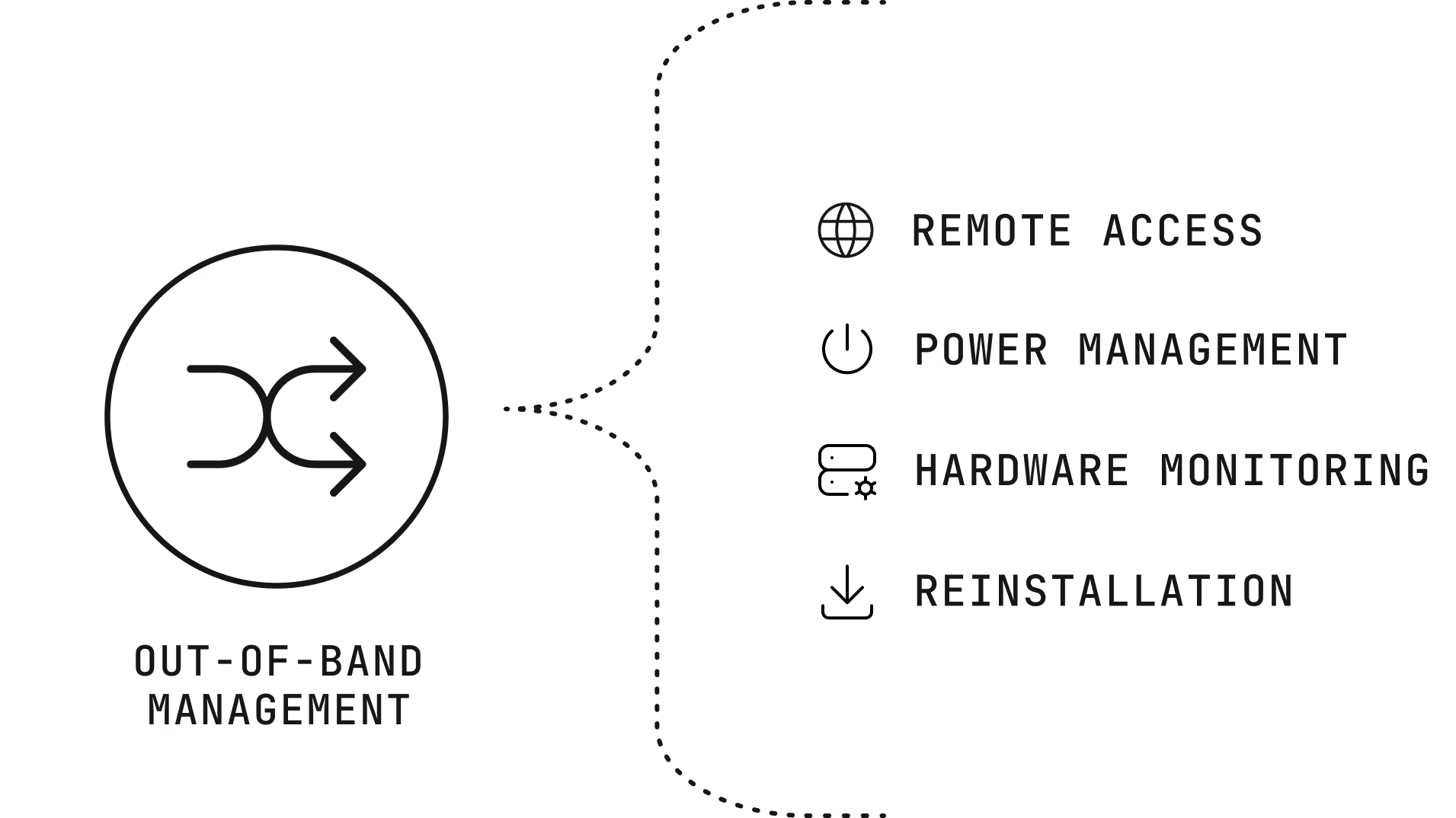
What you can do through out-of-band management

Remote access

A web interface and a command line.

Power management

Turn servers on, off, or restart them.

Hardware monitoring

Read sensors for temperature, fans, and power.

Reinstallation

Reinstall the operating system, including custom images.

What you can do through out-of-band management

VPN access compared with public OOB access

VPN access compared with public OOB access trades a little setup for much less exposure.

VPN to OOB

How you connect
A VPN client with your credentials
Exposure
Management network stays hidden
Duration
Always available
Best for
Everyday management

Public OOB access

How you connect
A browser, straight over the internet
Exposure
Open to the internet while enabled
Duration
24 hours, then closed
Best for
Emergencies when a VPN connection isn’t possible

Benefits of VPN to OOB

Troubleshooting icon

Troubleshooting

If a server becomes unavailable, you can connect to it’s DRAC using this secure connection and fix the issue.

Security icon

Security

Reset credentials from the customer portal and be sure that only your current team members can reach the OOB of your servers.

Getting started with VPN to OOB

  1. Get credentials

    Find your VPN credentials in the Customer Portal, tied to a location but usable in others.

  2. Connect

    Connect with a VPN client, then open the server’s management controller address.

  3. Manage access

    Reset credentials whenever someone leaves the team.

Why companies choose Servers.com by Nexcess

The infrastructure, the network, and the people come from one provider that designs around the workload.

Single-tenant by design

Every server we rent belongs to one customer, and no proprietary service sits between your software and the hardware, so moving away never means rewriting your platform.

31 data centers

Locations across North America, South America, Europe, and Asia Pacific, joined by a private network with free transfer between sites.

Cloud-style operations

The Customer Portal, a public application programming interface (API), a command-line tool, and Terraform work across the catalog, with the same hardware profiles in every region.

The same people after you sign

The engineers and account managers who help design your environment are the ones who help you migrate it and run it.

  • nodecraft logo svg
  • ark trader logo svg
  • nanocosmos logo svg

Support from engineers, backed by a team that knows your environment

Support from engineers, backed by a team that knows your environment, is part of every product we sell, and it doesn’t depend on how much you spend with us.

FAQs

What does VPN to OOB cost?

Nothing. The service is free.

Is Scalable Bare Metal included?

No. Out-of-band access is part of Enterprise Bare Metal and isn’t provided for Scalable Bare Metal.

How do I open emergency public access?

By default, the OOB network is hidden behind the VPN to enhance security. However, in cases where urgent access is required, you enable public access for 24 hours via the customer portal and disable it again when you’re done.

How does VPN to OOB differ from VPN to GPN?

VPN to GPN reaches your servers on the private network. VPN to out-of-band (OOB) reaches each server’s management controller for hardware-level access.

Keep hardware access private banner Keep hardware access private Mobile banner

Keep hardware access private

Your VPN credentials are already in the portal, and our engineers can help if a server stops responding.