Nexcess.com Servers.com LiquidWeb.com
Back

DNS

Free DNS hosting you can manage from your deployment pipeline

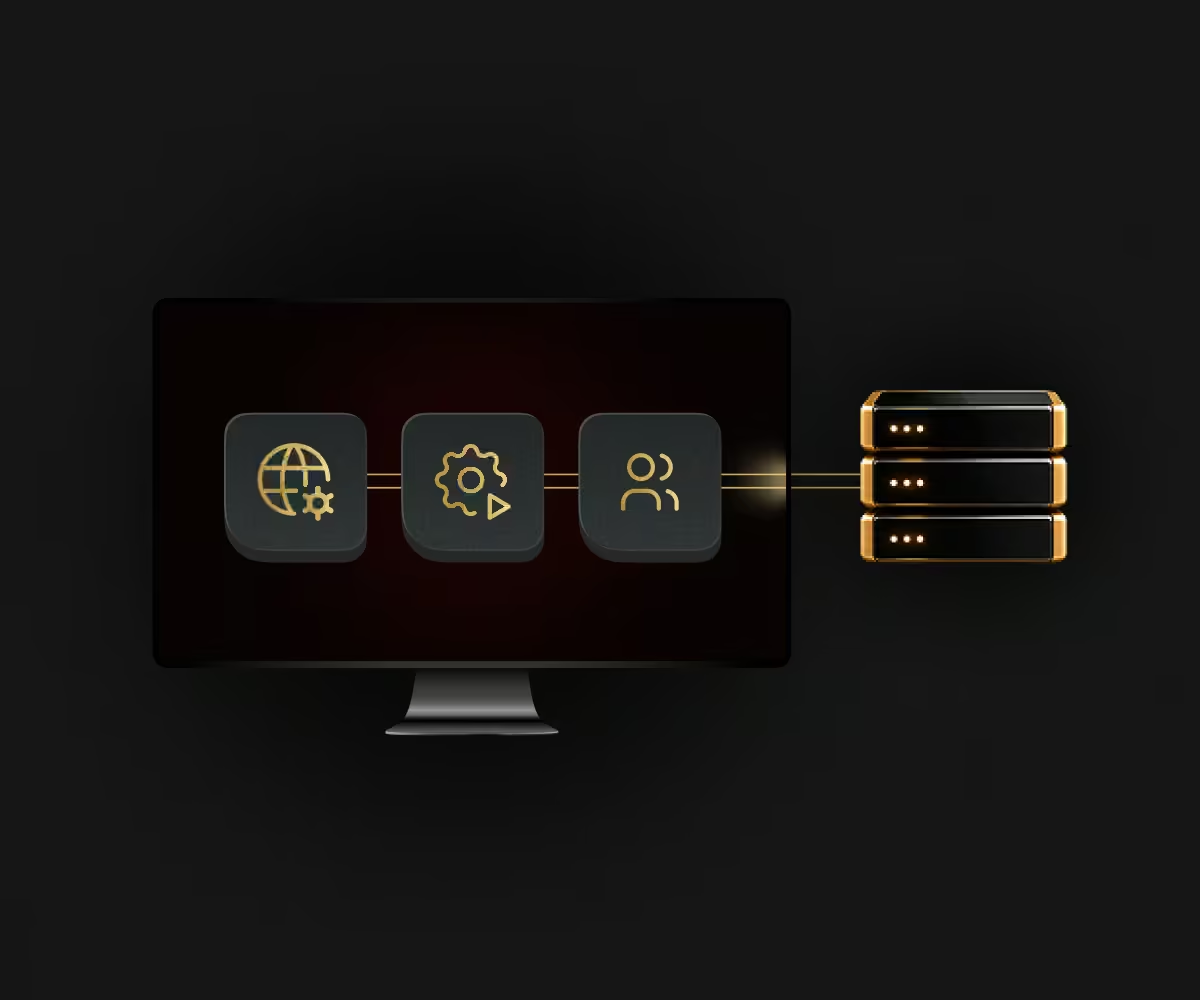
Our domain name system (DNS) service hosts your domains and their records at no charge. You manage them in the Customer Portal or through the public API, and you can build every record before you switch name servers. No gap in resolution when you migrate from another provider, if records are built first.

DNS hosting

Who DNS is for

DNS is for customers who want their domains managed in the same place, and with the same tools, as their servers.

  • Teams automating deployments

    Teams automating deployments

    Create domains and records in a deployment pipeline, before the infrastructure even exists.

  • Businesses moving providers

    Businesses moving providers

    Set up every record in advance and cut over when you’re ready.

  • Anyone simplifying their stack

    Anyone simplifying their stack

    One less vendor to manage, at no cost.

How DNS verification lets you migrate without downtime

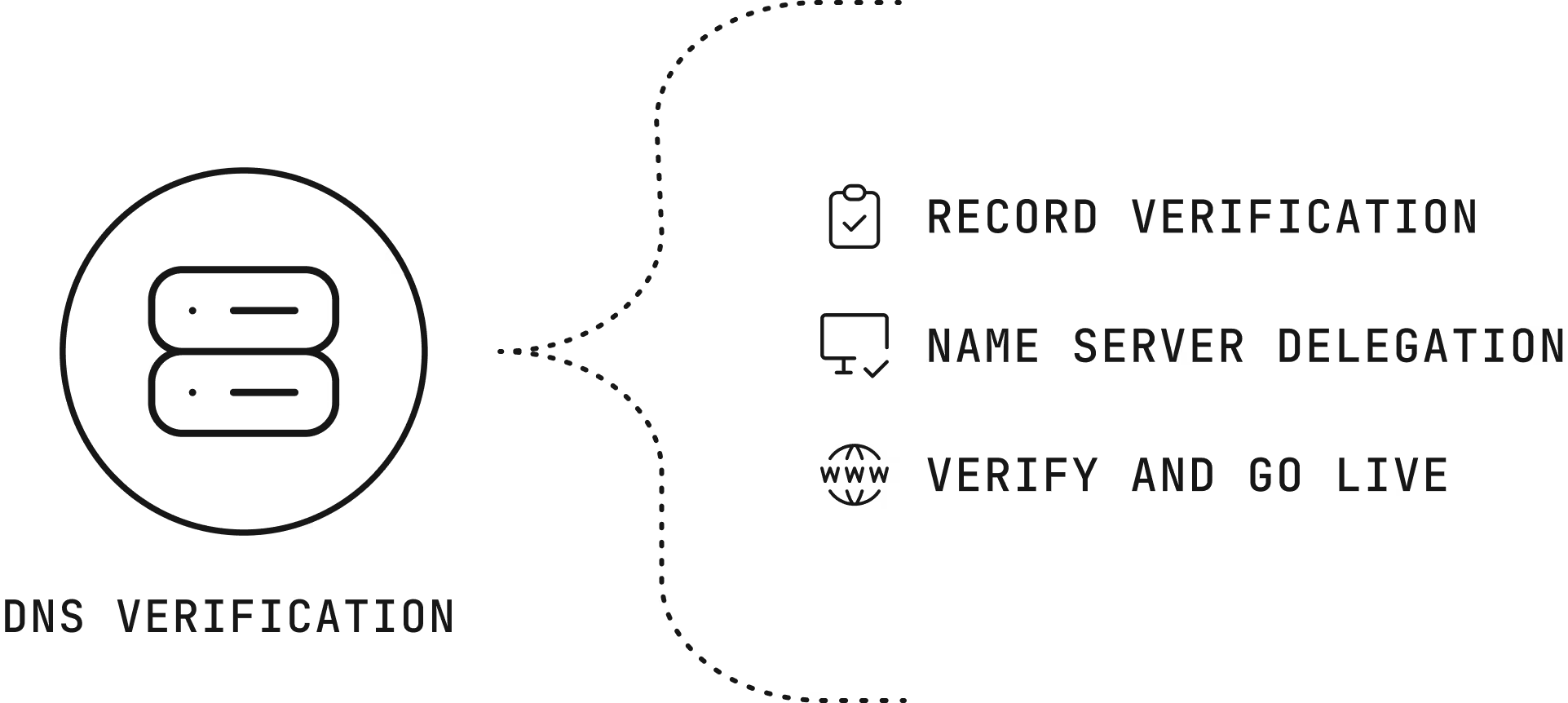
There are two ways to prove you own a domain, and you can use them together.

Record verification

Add a verification record at your registrar. The domain goes live on our servers even while name servers still point at your old provider.

Name server delegation

Point your name servers at ours. Once at least two of our name servers respond, the domain counts as delegated.

Combined

Configure records, verify, go live, and switch delegation at your own pace. Lower your time to live (TTL) values before the switch so caches clear quickly.

How DNS verification lets you migrate without downtime

DNS record types we support

DNS record types we support cover what most platforms need.

The benefits of DNS

DNS changes is where your domains live and how they’re managed.

Cost icon

Cost

The service is free.

Automation icon

Automation

Records change through the API as part of deployments.

Safe migration icon

Safe migration

Records are ready before the switch, so nothing breaks.

How DNS is billed

DNS is free.

How DNS keeps domains published

How DNS keeps domains published follows daily checks and a grace period.

Why companies choose Servers.com by Nexcess

The infrastructure, the network, and the people come from one provider that designs around the workload.

Single-tenant by design

Every server we rent belongs to one customer, and no proprietary service sits between your software and the hardware, so moving away never means rewriting your platform.

31 data centers

Locations across North America, South America, Europe, and Asia Pacific, joined by a private network with free transfer between sites.

Cloud-style operations

The Customer Portal, a public application programming interface (API), a command-line tool, and Terraform work across the catalog, with the same hardware profiles in every region.

The same people after you sign

The engineers and account managers who help design your environment are the ones who help you migrate it and run it.

  • kintify
  • livexp

Support from engineers, backed by a team that knows your environment

Support from engineers, backed by a team that knows your environment, is part of every product we sell, and it doesn’t depend on how much you spend with us.

FAQs

How much does DNS cost?

Nothing. DNS is free.

Can I use custom name server names?

No. Custom or vanity name server names aren’t supported.

Why hasn’t my change at the registrar shown up?

Status checks run at most once every 24 hours, so registrar changes take up to a day to register.

Can I edit the SOA record?

Not directly. SOA settings such as time to live and admin email are managed through the domain settings.

How do I move my DNS to Servers.com without downtime?

Add the unique TXT record value for your domain at your registrar. In this way you set up all your records first, add the TXT verification record to go live, then switch NS delegation at your own pace.


Move your domains next to your servers banner Move your domains next to your servers Mobile banner

Move your domains next to your servers

Add a domain in the portal and verify it, then switch name servers when you’re ready.