Nexcess.com Servers.com LiquidWeb.com
Back

Firewall

Block every connection you haven’t explicitly allowed

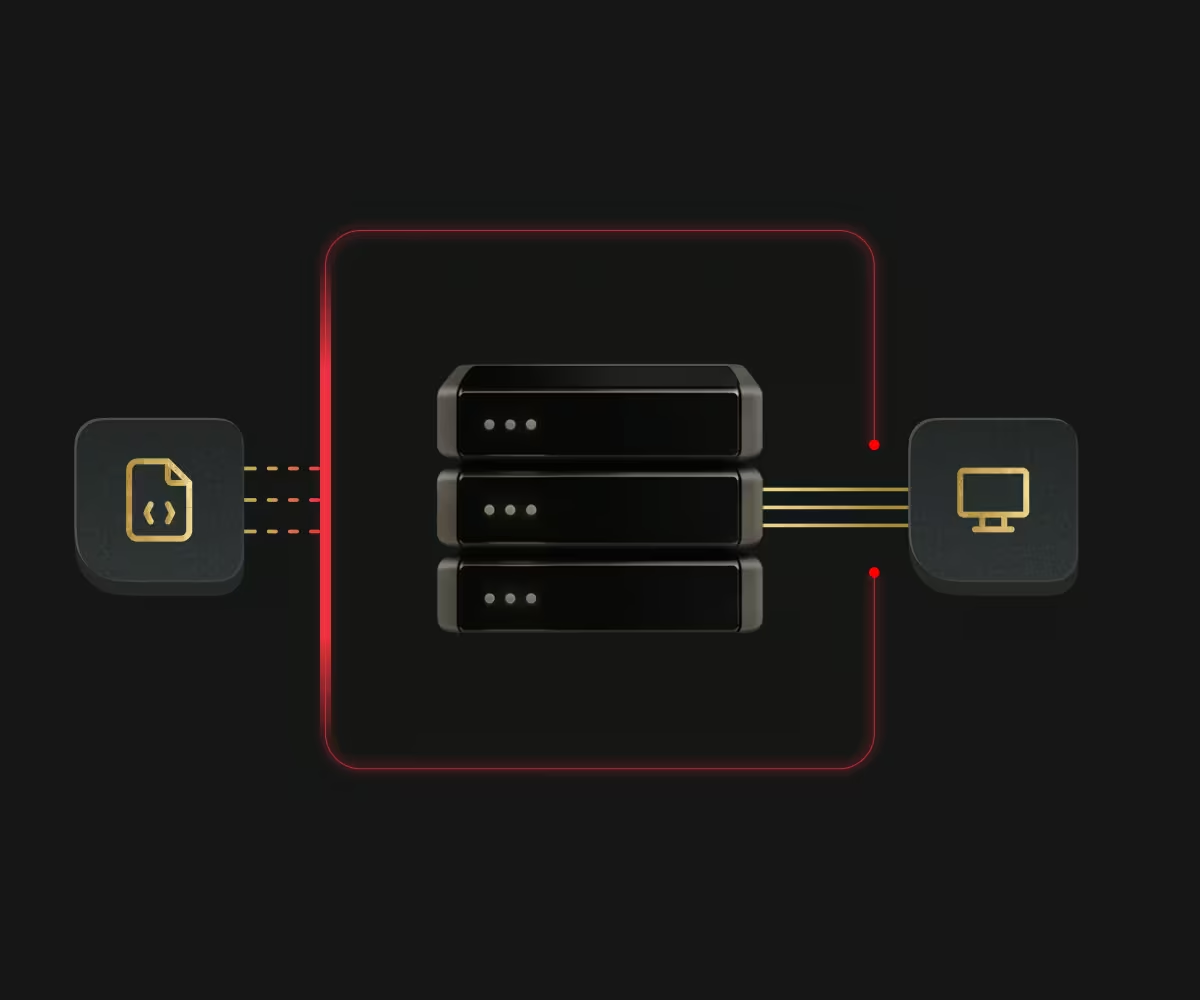
The Firewall sits in front of your servers and blocks any inbound or outbound traffic you haven’t allowed, filtering by internet protocol (IP) address, port, and protocol. It tracks every connection it has approved and drops packets that don’t belong to one, so unwanted traffic never reaches your servers.

Firewall

Who the Firewall is for

The Firewall is a network-based service for businesses that want traffic filtered before it reaches the server rather than on it.

  • Platforms with sensitive data

    Platforms with sensitive data

    Keep everything but approved traffic away from the servers that hold it.

  • Teams reducing server load

    Teams reducing server load

    Filtering at the network edge takes packet-filtering work off your servers.

  • Anyone guarding against misconfiguration

    Anyone guarding against misconfiguration

    Outbound rules stop data leaking when software on a server is set up wrong.

What comes with the Firewall

The Firewall comes with a network-based filter you configure in a one-page wizard.

Protection from unwanted traffic

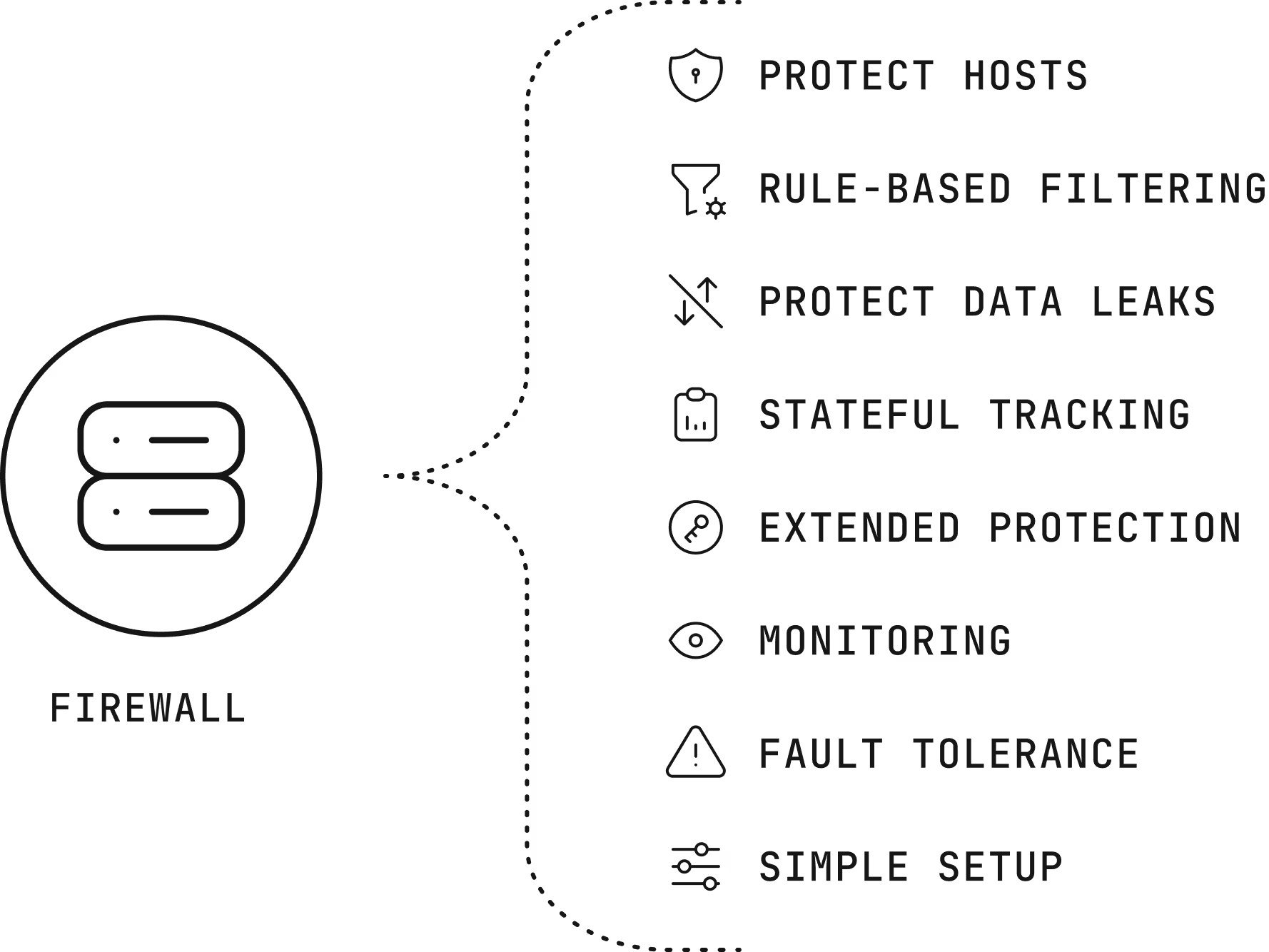
The firewall lets you protect hosts from packet-filtering workload by preventing unwanted traffic from reaching them.

Rule-based filtering

Rule-based packet filtering for inbound and outbound traffic by IP address, port, and protocol. We support TCP, UDP and ICMP protocols.

Protect data leaks

Our firewall protects your network from leaking data which can be caused by software misconfiguration on your hosts.

Stateful tracking

The Firewall tracks TCP sessions and drops packets that don’t belong to an established one.

Extra addresses covered

Protection extends to additional public IPv4 addresses on your servers.

Monitoring

Monitoring each TCP session, so the Firewall knows which connections belong.

Fault tolerance

A high-availability cluster that handles up to 8.5 Gbps per instance, with redundant hardware, network links, and power feeds.

Simple setup

All configuration happens in the Firewalls section of the Customer Portal.

What comes with the Firewall

How it works

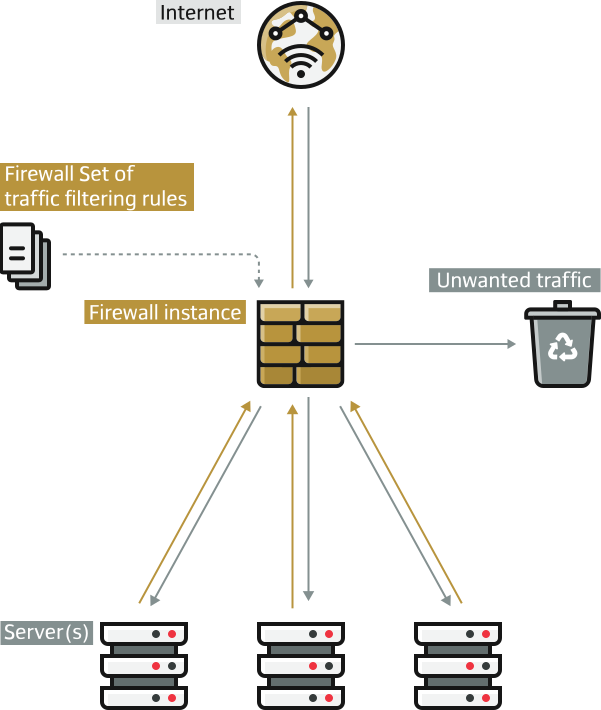
A firewall is a network security system that monitors and controls the incoming and outgoing network traffic based on predetermined security rules. A firewall typically establishes a barrier between a trusted internal network and an untrusted external network, like the Internet.

We provide a network⁠-⁠based, fault⁠-⁠tolerant, stateful packet filtering firewall service used to block all incoming and outgoing traffic that isn't expressly permitted. Being a network⁠-⁠based type,our firewall protects networks. Each firewall instance you create in the customer portal is protecting a separate VXLAN. You virtually move your servers' public network interfaces to the protected VXLAN if you need them in a protected network.

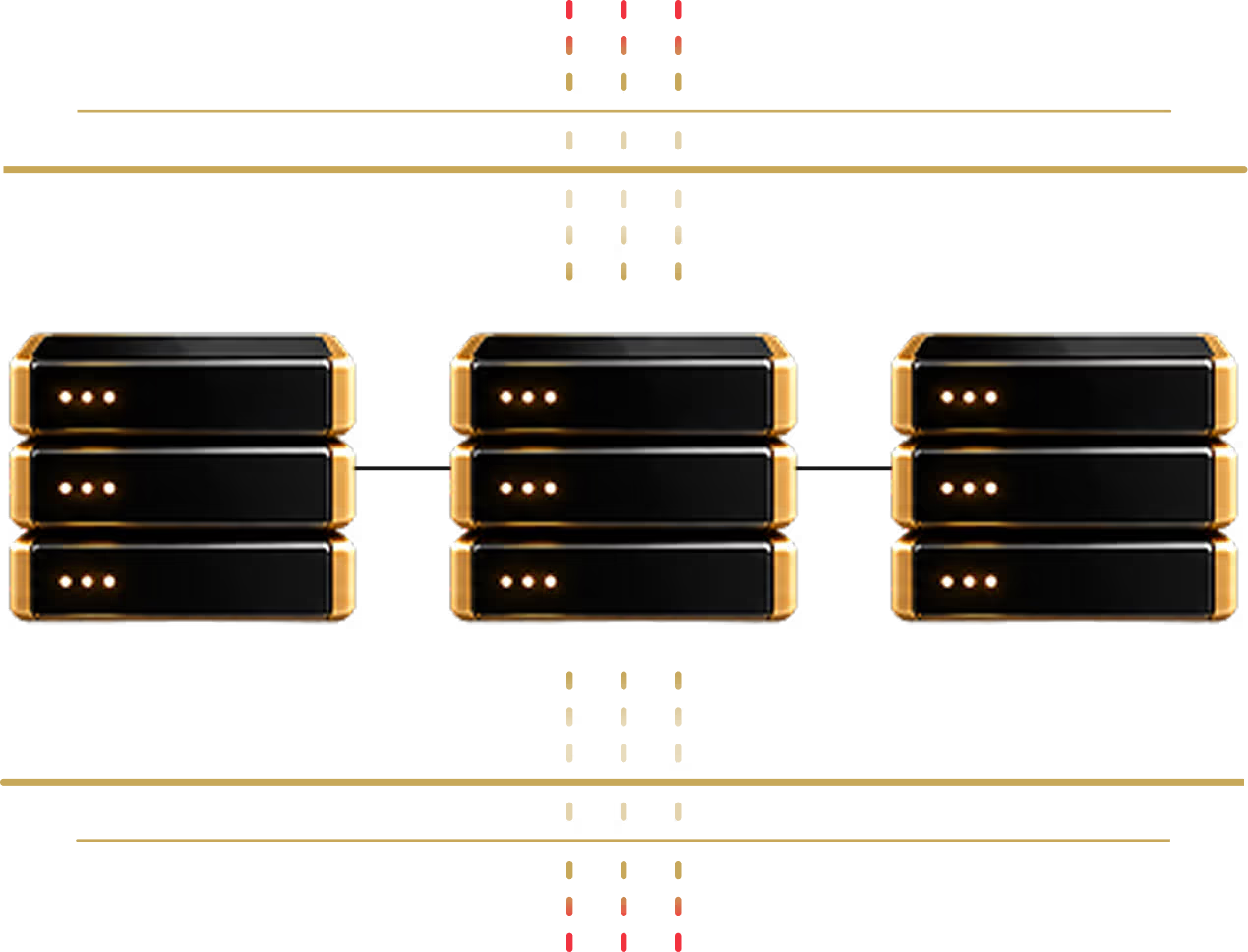
Our firewall service is built with high availability in mind: the service itself is a HA cluster of hardware firewall nodes. Each node has two hot⁠-⁠swappable PSUs with two separate power feeds, three NICs totaling five network ports. Each node has 20Gbps of bandwidth to the Internet, with network links, network switches, and network routers, all redundant, thanks to our L3 fabric network.

A network⁠-⁠layer packet filtering type means our firewall inspects Internet Protocol packets for matches to your predetermined rules.

Our firewall is stateful – it keeps a registry of properly established TCP sessions and drops network packets that aren't associated with those sessions. Our firewall can help you mitigate certain threats, with a limited TCP SYN/ACK attack being an example of such a threat.

Our firewall is easy to use. All configuration can be done using a simple, self⁠-⁠explanatory one⁠-⁠page wizard in the customer portal's section on Firewalls.

Firewall

Benefits of the Firewall

What the Firewall changes is how much traffic your servers ever see.

A smaller attack surface icon

A smaller attack surface

Traffic that isn’t expected never reaches the protected servers.

Less work for servers icon

Less work for servers

The Firewall carries the filtering load instead of each host.

Fewer leaks icon

Fewer leaks

Outbound rules catch data that misconfigured software tries to send.

Which Firewall changes cause downtime

Which Firewall changes cause downtime decides how you plan maintenance.

  1. Adding, editing, or removing rules

    No downtime.

  2. Adding or removing a server

    Brief downtime for that server only.

  3. Creating or deleting a firewall instance

    Brief downtime for every server behind it.

What the Firewall doesn’t do

What the Firewall doesn’t do matters as much as what it does, so you can plan the other layers.

Flood protection

The Firewall filters traffic rather than absorbing floods. Protection against the most common distributed denial-of-service (DDoS) attacks is a separate layer, free in every location.

Scalable Bare Metal

Scalable Bare Metal (SBM) servers can’t sit behind the Firewall.

Public L2 Segments

Servers behind the Firewall reach public Layer 2 (L2) Segments through tagged trunks only.

What the Firewall doesn’t do

Getting started with the Firewall

  1. Create a firewall

    Create an instance in the portal, which sets up a protected network for it.

  2. Write your rules

    Allow the traffic your services need, and block everything else.

  3. Add servers

    Move servers behind the firewall one at a time, since each one briefly goes offline.

Why companies choose Servers.com by Nexcess

The infrastructure, the network, and the people come from one provider that designs around the workload.

Single-tenant by design

Every server we rent belongs to one customer, and no proprietary service sits between your software and the hardware, so moving away never means rewriting your platform.

31 data centers

Locations across North America, South America, Europe, and Asia Pacific, joined by a private network with free transfer between sites.

Cloud-style operations

The Customer Portal, a public application programming interface (API), a command-line tool, and Terraform work across the catalog, with the same hardware profiles in every region.

The same people after you sign

The engineers and account managers who help design your environment are the ones who help you migrate it and run it.

  • Soft2Bet
  • fxgrow logo svg
  • Exness
  • gameye logo svg

Support from engineers, backed by a team that knows your environment

Support from engineers, backed by a team that knows your environment, is part of every product we sell, and it doesn’t depend on how much you spend with us.

FAQs

Is the Firewall hardware or software?

It’s a network-based firewall running as a cluster of hardware nodes. Each firewall instance is an individual profile on that shared, redundant cluster.

Which protocols does it support?

TCP, UDP, and ICMP.

Does it protect against DDoS attacks?

Only in a limited way. The Firewall can help with some attacks, such as limited TCP SYN floods, but DDoS protection is a separate service, and we can propose options beyond the standard protection.

Are there any limitations to which servers can be connected to the firewall?

Yes. A server cannot be assigned to more than one firewall. It cannot be added to a firewall if it belongs in an L2 Segment in native mode. It cannot be added to a firewall if it is configured without a public network.

Put a filter in front of your servers banner Put a filter in front of your servers Mobile banner

Put a filter in front of your servers

Speak to a specialist about your rules, and about how the Firewall fits with DDoS protection.